Node.js
This sample is a Svelte project that includes a webpage with the JS SDK applied and a Node.js-based frontend server.
You can learn how to use the back office API from the frontend server to avoid exposing the API Key to the client
How to use
Install Node.js (the SDK was developed in the v20.11.0 environment)
Open the nodejs directory in an IDE like Visual Studio Code.
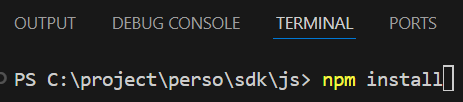
In the terminal, run npm install.
This will automatically download and install the necessary Node.js components for Svelte and server execution
Fill in 'persoLiveApiServerUrl' and 'persoLiveApiKey' in src/lib/constants.ts
Fill in the config values for llm, tts, etc., in src/hooks.server.ts
(hooks.server.ts runs once when the server starts.)
The commented-out getAllConfig code is an example of acquiring settings at runtime
Please use it only for checking server configuration values
Run npm run dev in the terminal
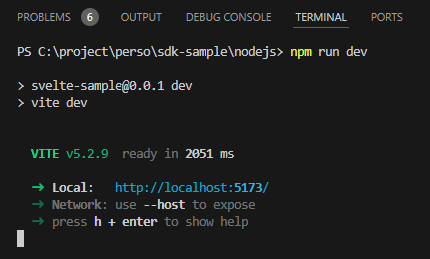
Access http://localhost:5173 in your web browser
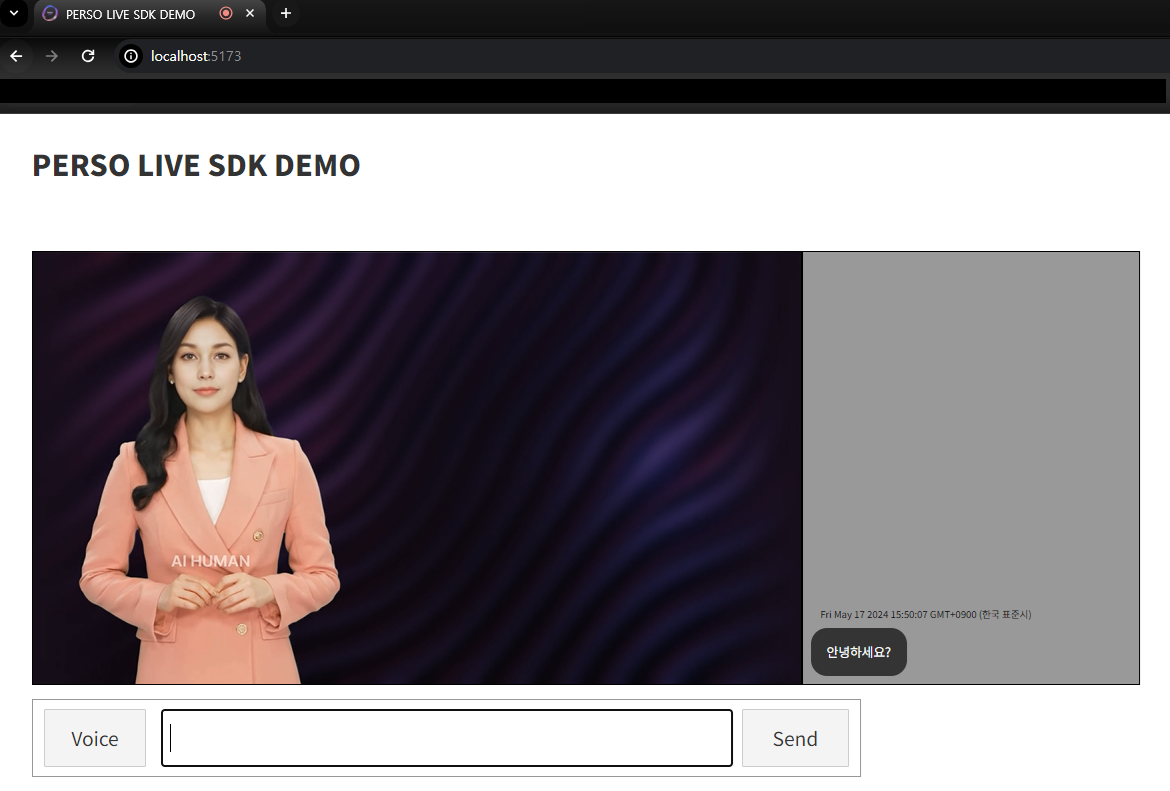
If the server configuration is set up correctly, allow microphone permissions, and the Perso Live real-time conversation will start immediately.