Browser
This sample is a webpage created with the JS SDK and runs in the browser.
How to use
Run js/src/index.html from the sample project in a web browser like Chrome.
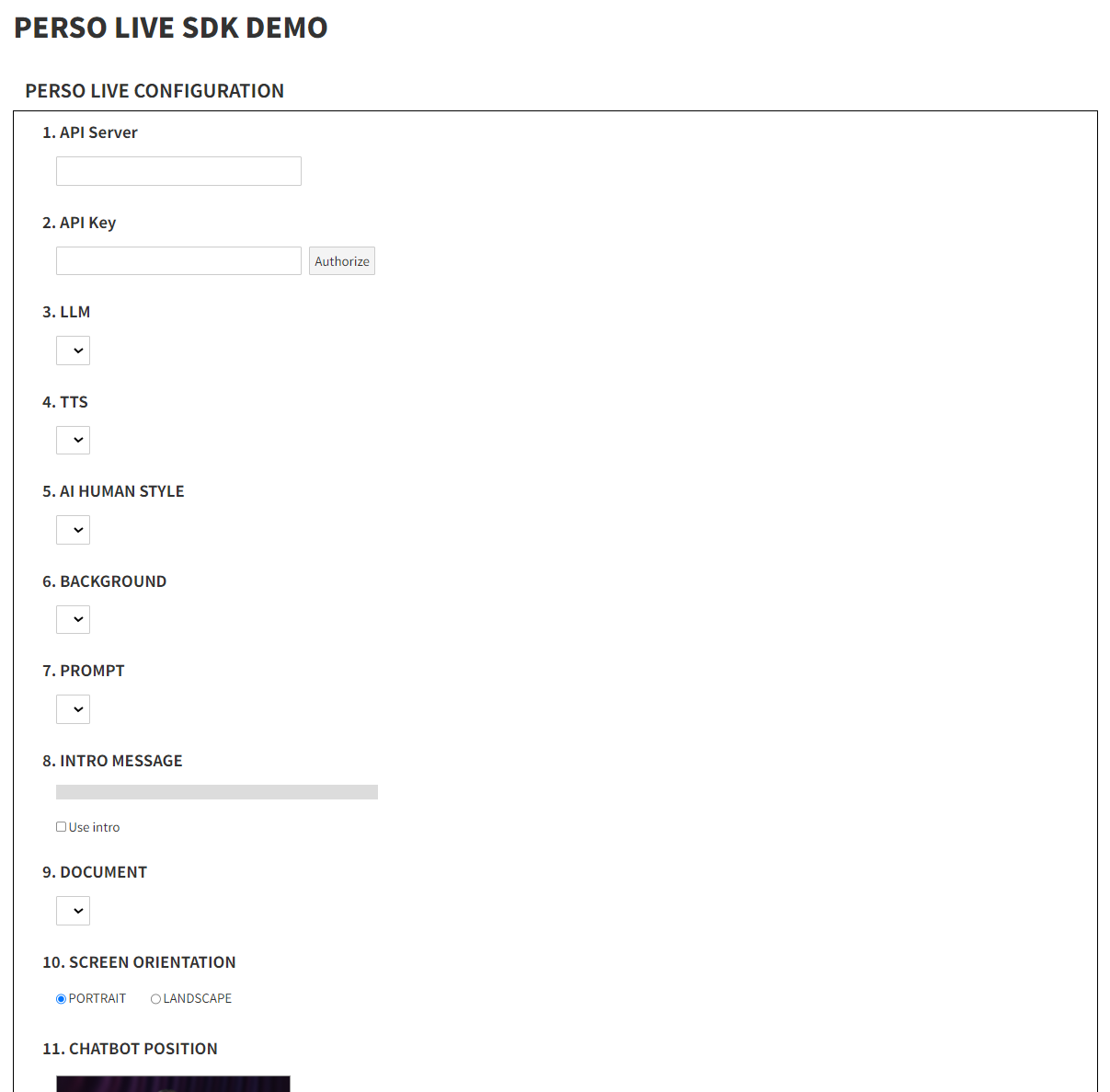
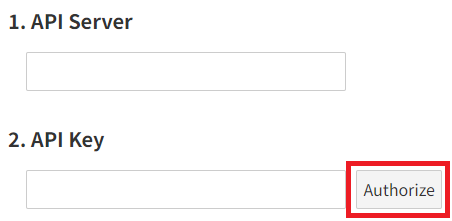
After entering the API Server and API Key, click on Authorize
If the API Server and API Key are valid, options from 3(LLM) to 9(DOCUMENT) will be loaded
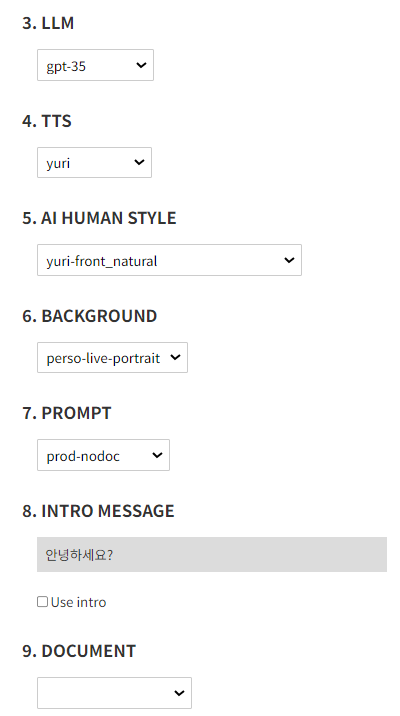
Check 8(Use Intro) if you want to use the Intro feature
('INTRO MESSAGE' set in the 'PROMPT' will be used)
There are cases where the prompt requires DOCUMENT. Please check and use it accordingly
Choose 10(SCREEN ORIENTATION) (PORTRAIT: 1080x1920, LANDSCAPE: 1920x1080)
11(CHATBOT POSITION) refers to the relative position and size of the chatbot(AI Human) in the video
CHATBOT LEFT: -1.0 to 1.0
CHATBOT TOP: 0.0 to 1.0
CHATBOT HEIGHT: 0.0 to 5.0
Click START to begin the session
After allowing microphone permissions, the Perso Live real-time conversation will begin shortly