Background Images
You can change the background of an AI Human video session by uploading the image and setting the image upon session creation.
Listing Background Images
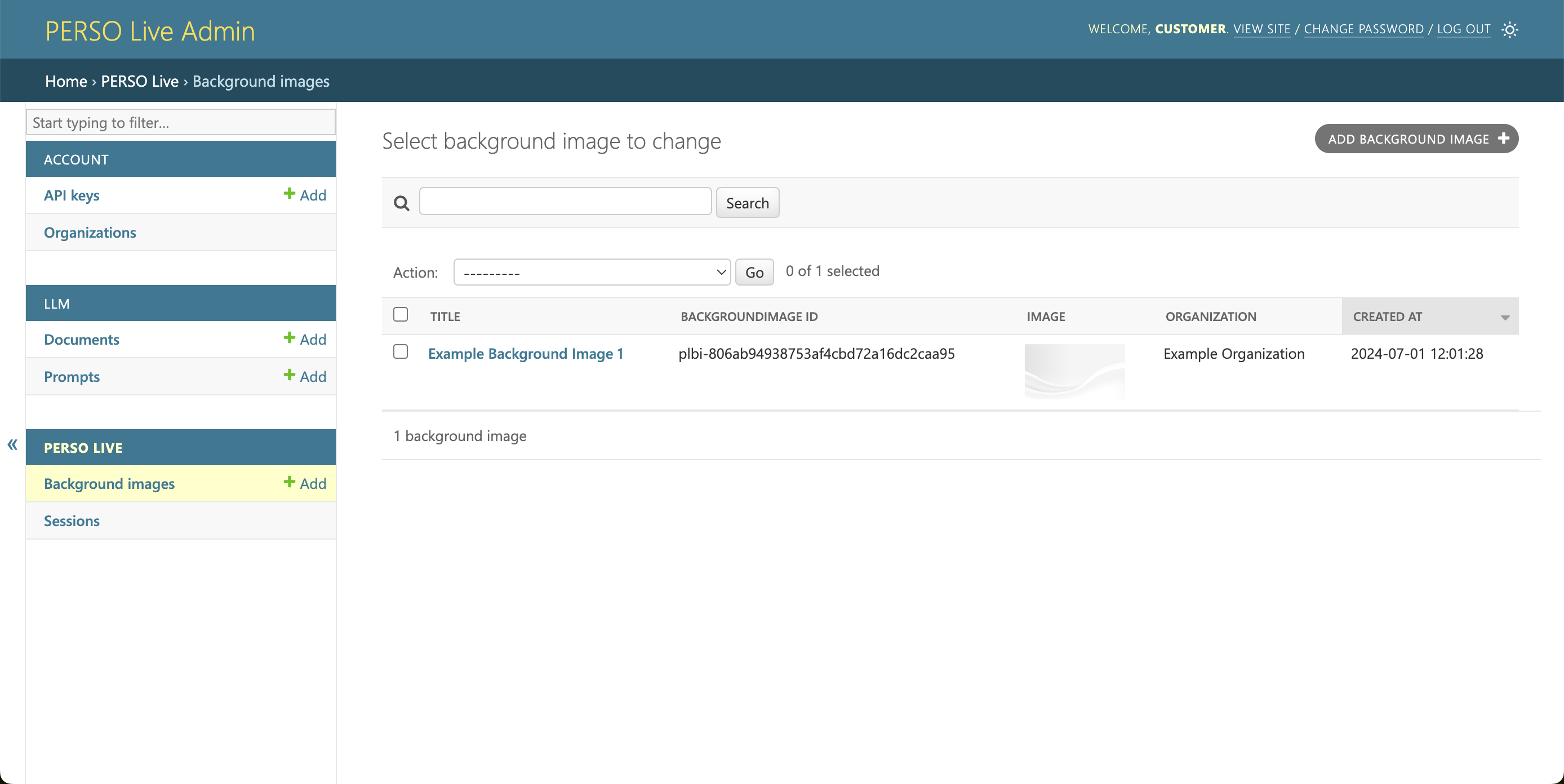
You can view your organization's uploaded background images in the Background Images list page.
Viewing Background Images
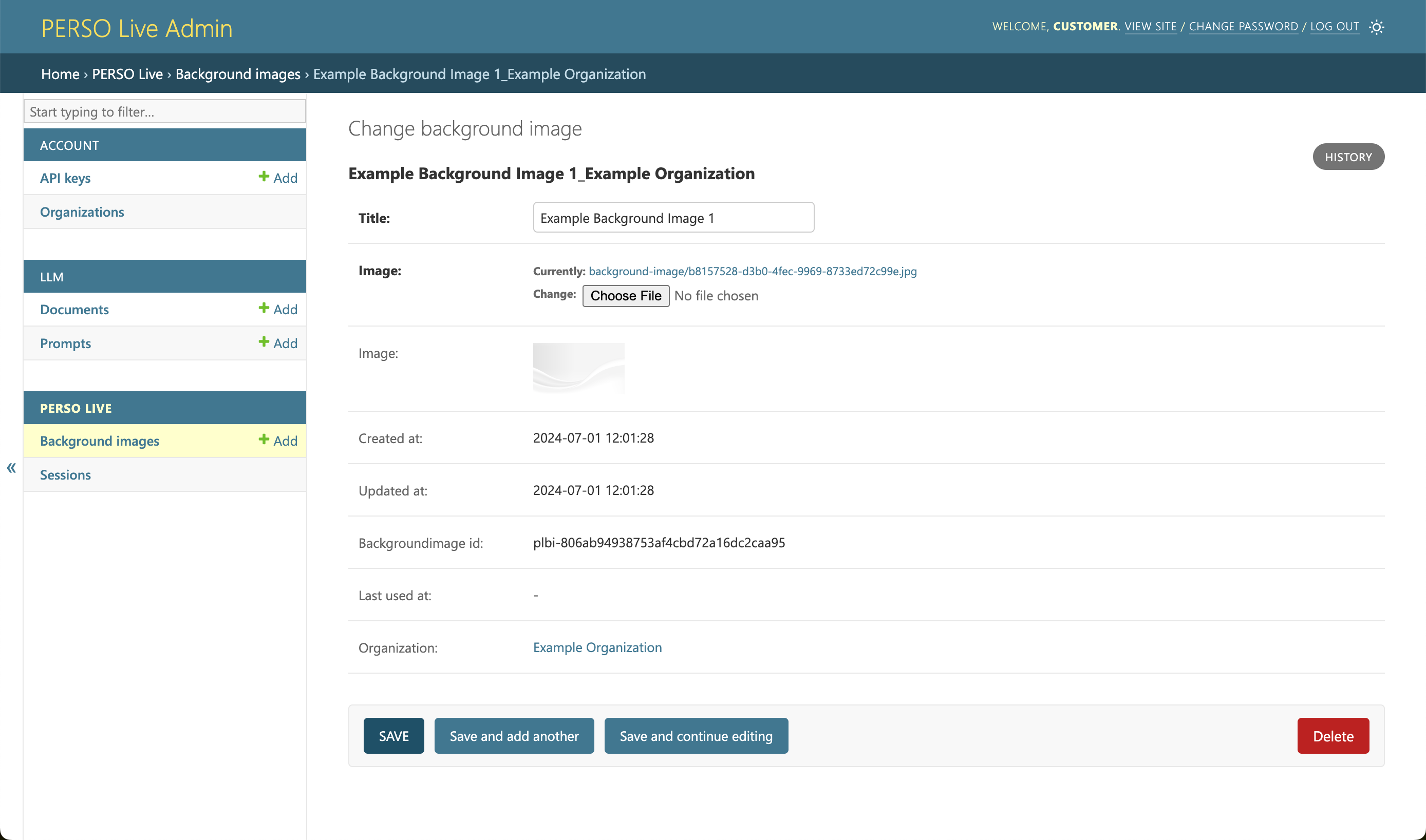
Click the name of the image to edit or delete the background image.
Creating Background Images
To create a new background image, click ADD BACKGROUND IMAGE Button from the list page.
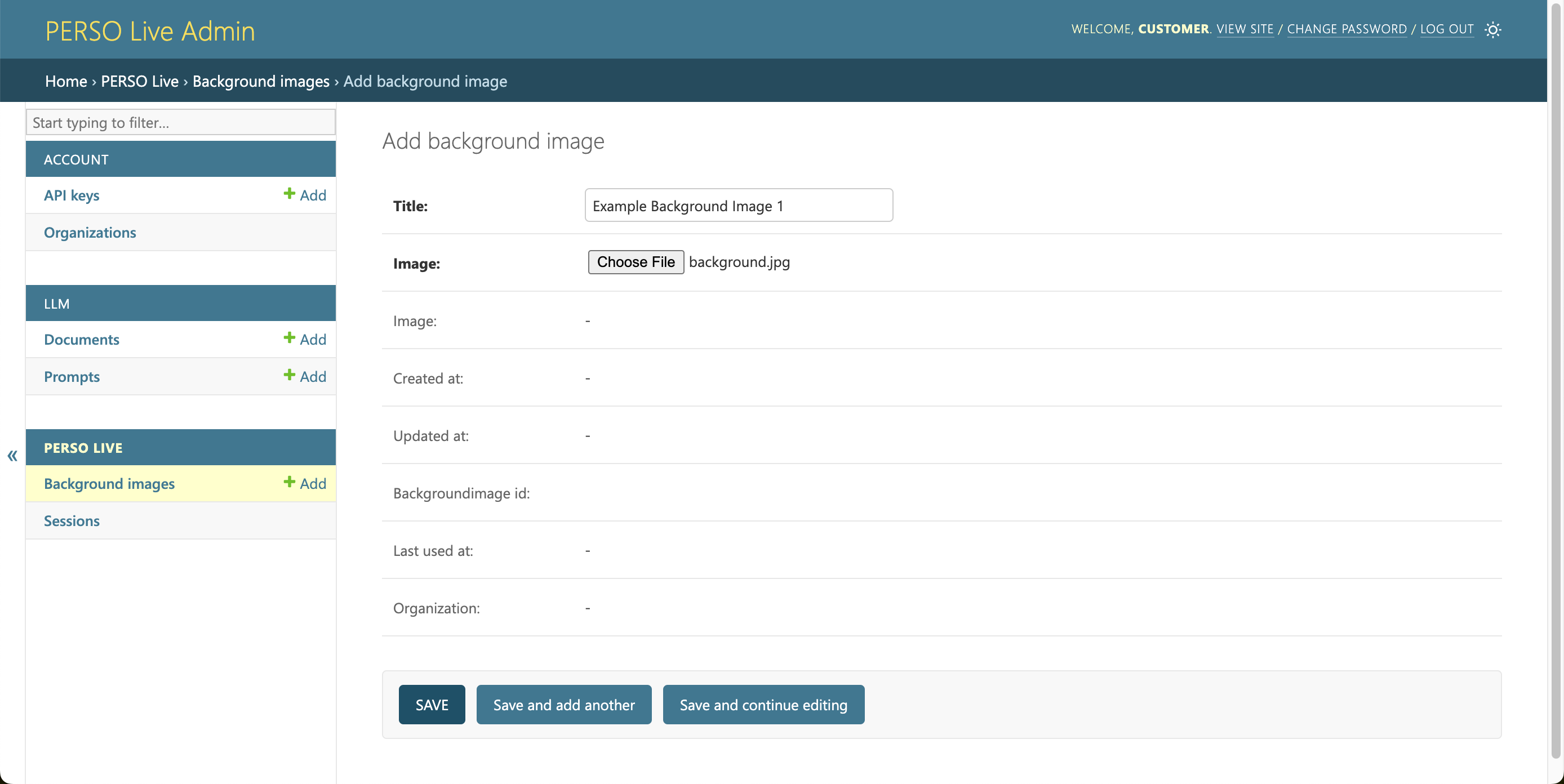
Image
An image with 16:9 or 9:16 aspect ratio and over FHD (1920 x 1080 or 1080 x 1920) resolution is recommended.
The image will be scaled to fill the canvas.