Documents
PERSO Live enhances chatbot responses with Retrieval-Augmented Generation (RAG), enriching interactions by retrieving relevant documents.
This process involves storing and retrieving documents based on their relevance to the user’s query.
Listing Documents
You can access and manage your organization’s documents on the Documents list page.
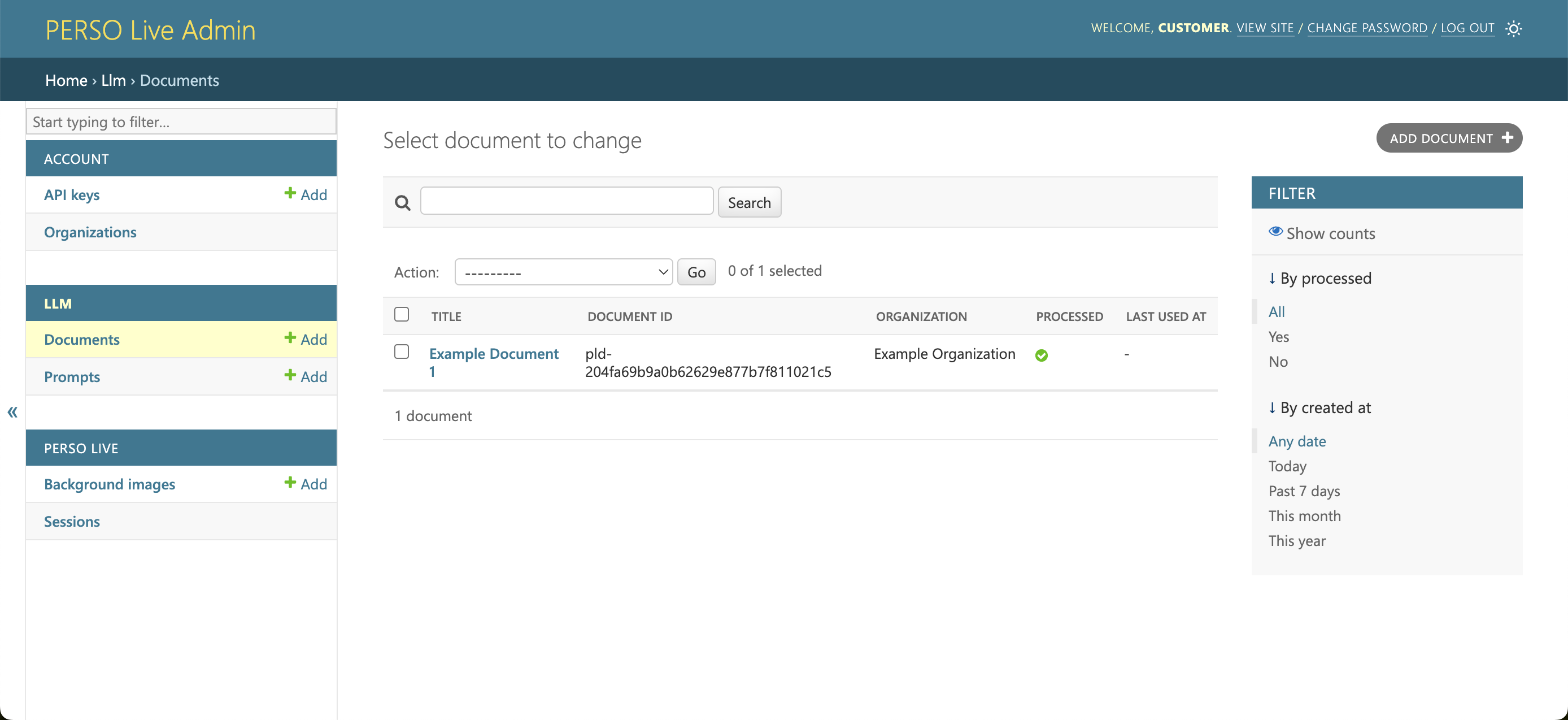
Viewing Documents
Click it's name to view or delete the document.
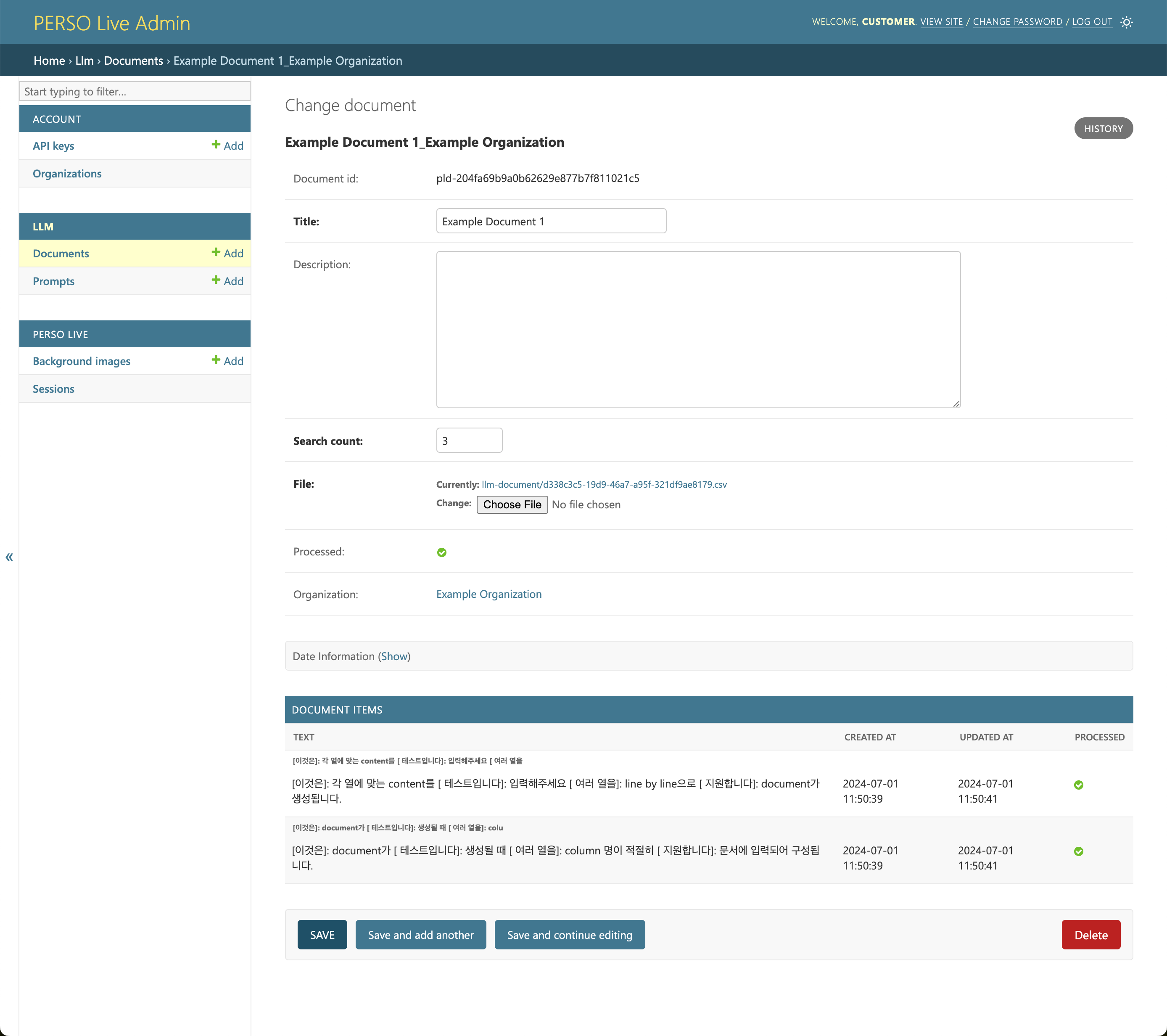
Creating Documents
To create a document, click ADD DOCUMENT Button from the list page.
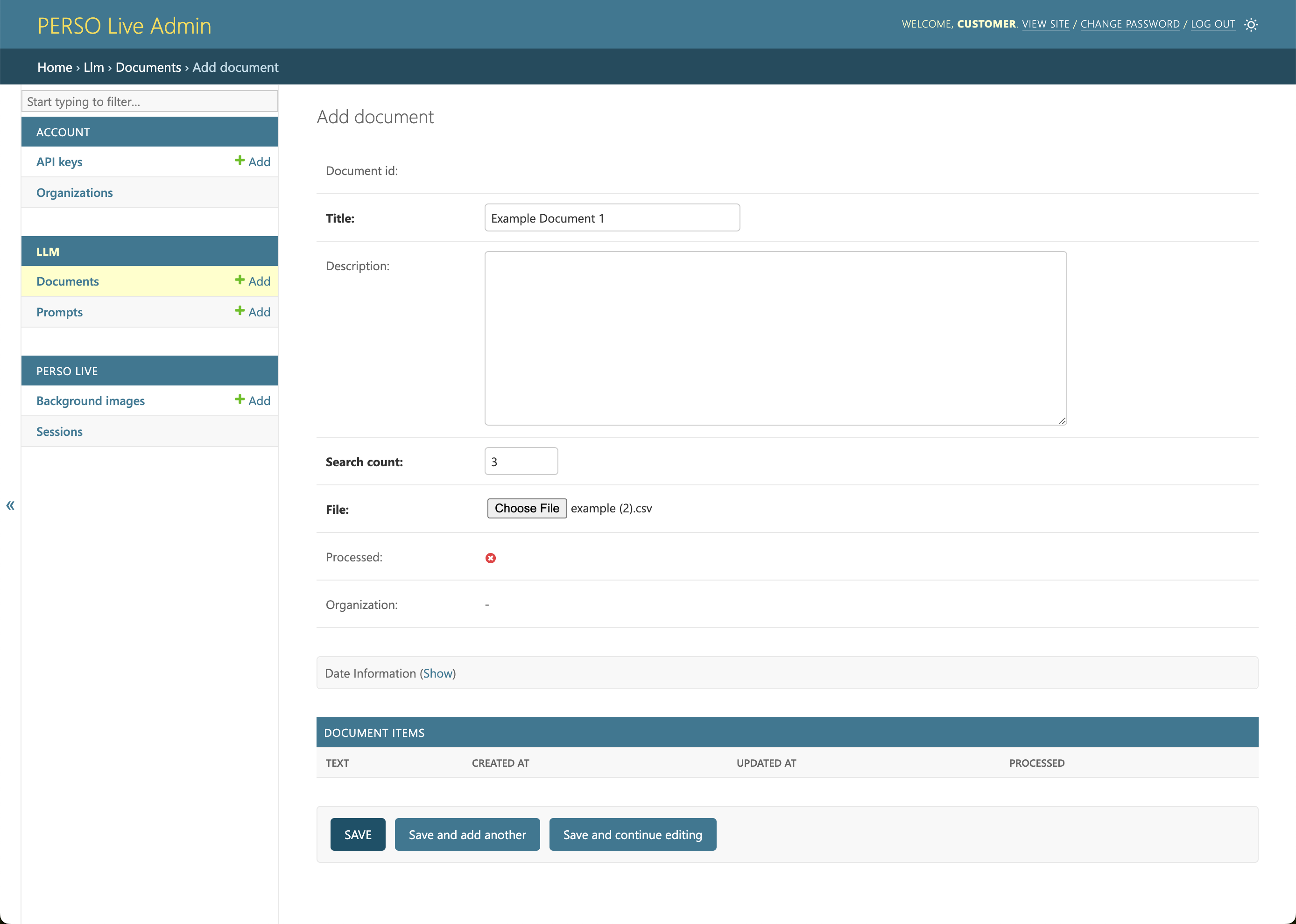
PERSO Live will split your document into Document Items and generate vector embeddings. The documents will not be available for use until the generation is complete. This might take several minutes depending on the size of the document.
When the generation is complete, the processed attribute of the document will be set to True.
File
File Format Requirements
- Accepted Formats: CSV, XLS, XLSX
- Document Structure: The first row should be used as the header.
Example
Input File
| name | price | description |
|---|---|---|
| apple | 3 | honey crisp |
| orange | 2 | navel |
| melon | 10 | honeydew |
Resulting Document Items
[name]: apple [price]: 3 [description]: honey crisp[name]: orange [price]: 2 [description]: navel[name]: melon [price]: 10 [description]: honeydew
Search Count
This setting determines how many relevant document items will be included in the chatbot's prompt. The default is 3.