Prompts
PERSO Live uses LLMs to generate responses for user queries. You can customize what prompt the LLM will receive.
Listing Prompts
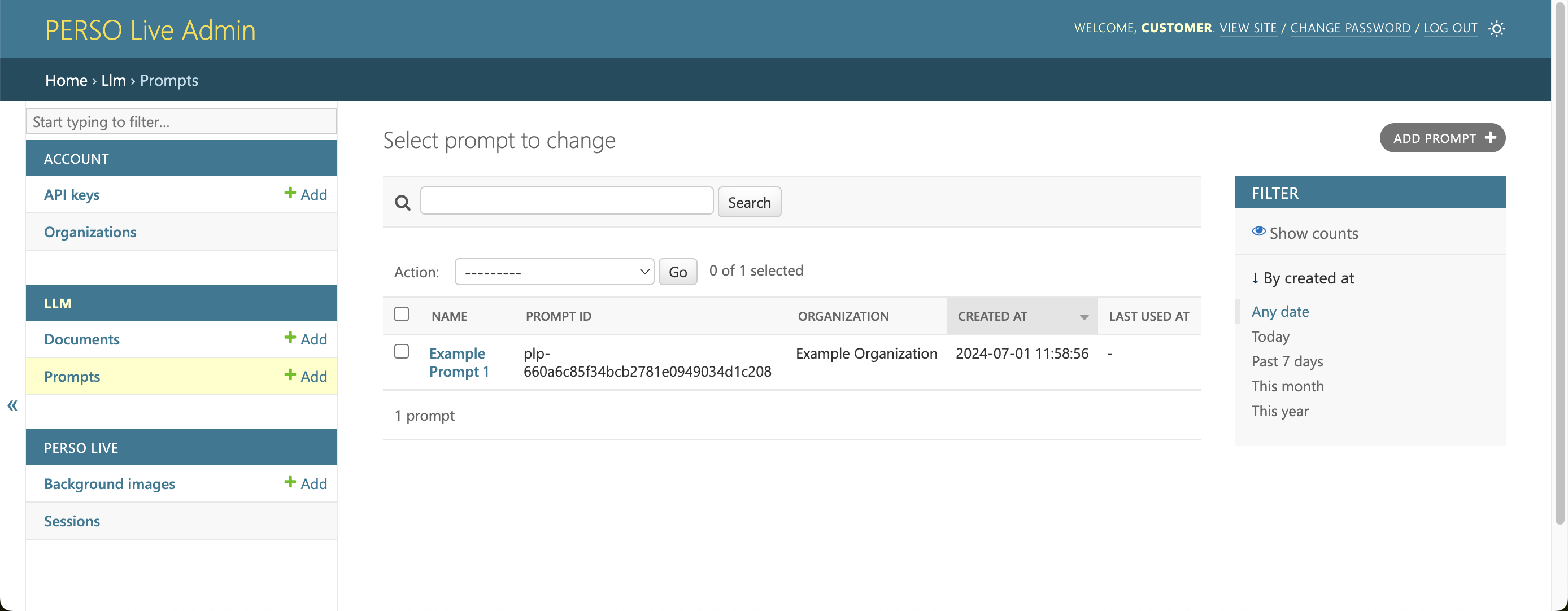
You can view your organization's prompts in the Prompts list page.
Viewing Prompts
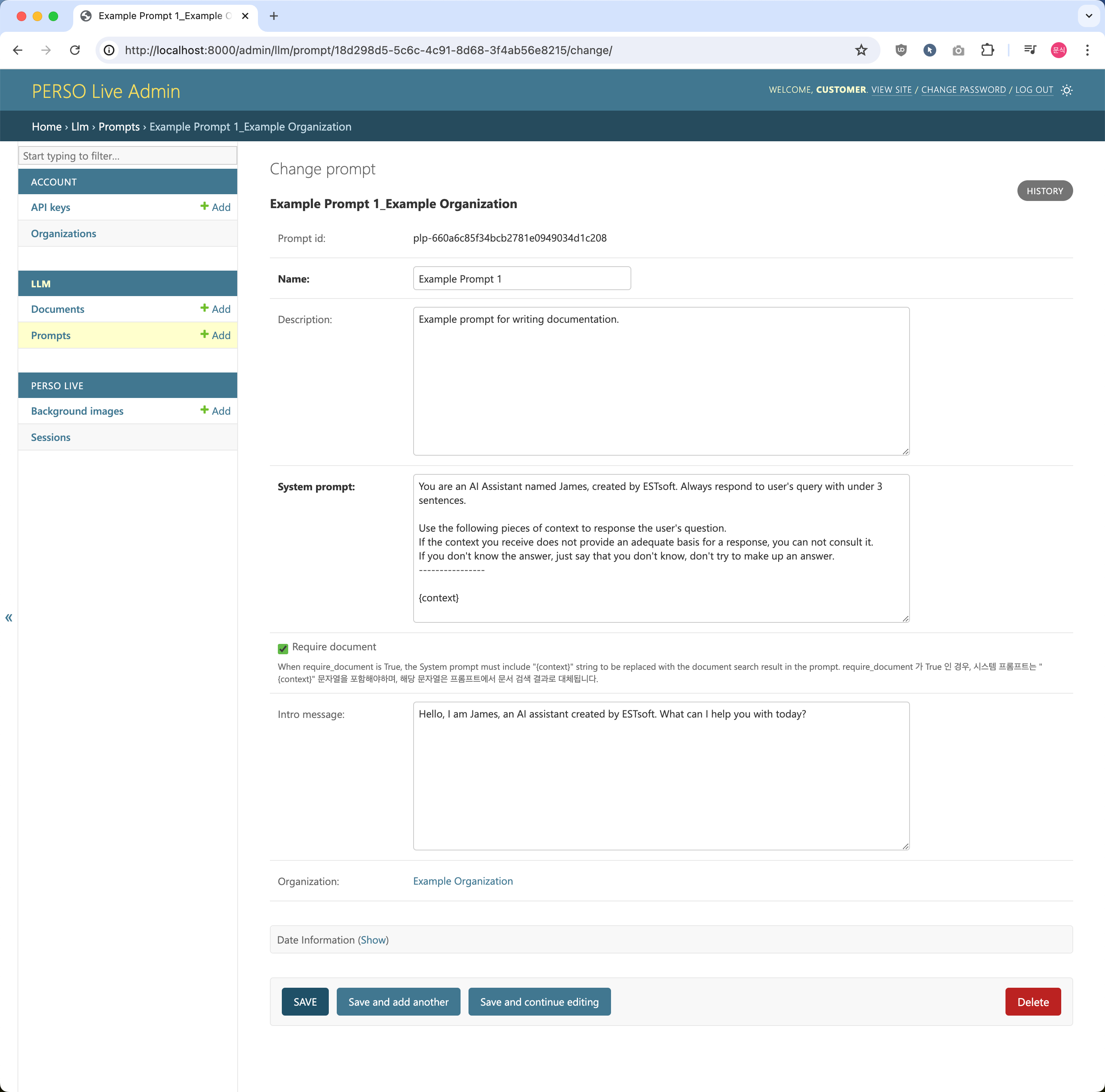
Click it's name to edit or delete the prompt.
Creating Prompts
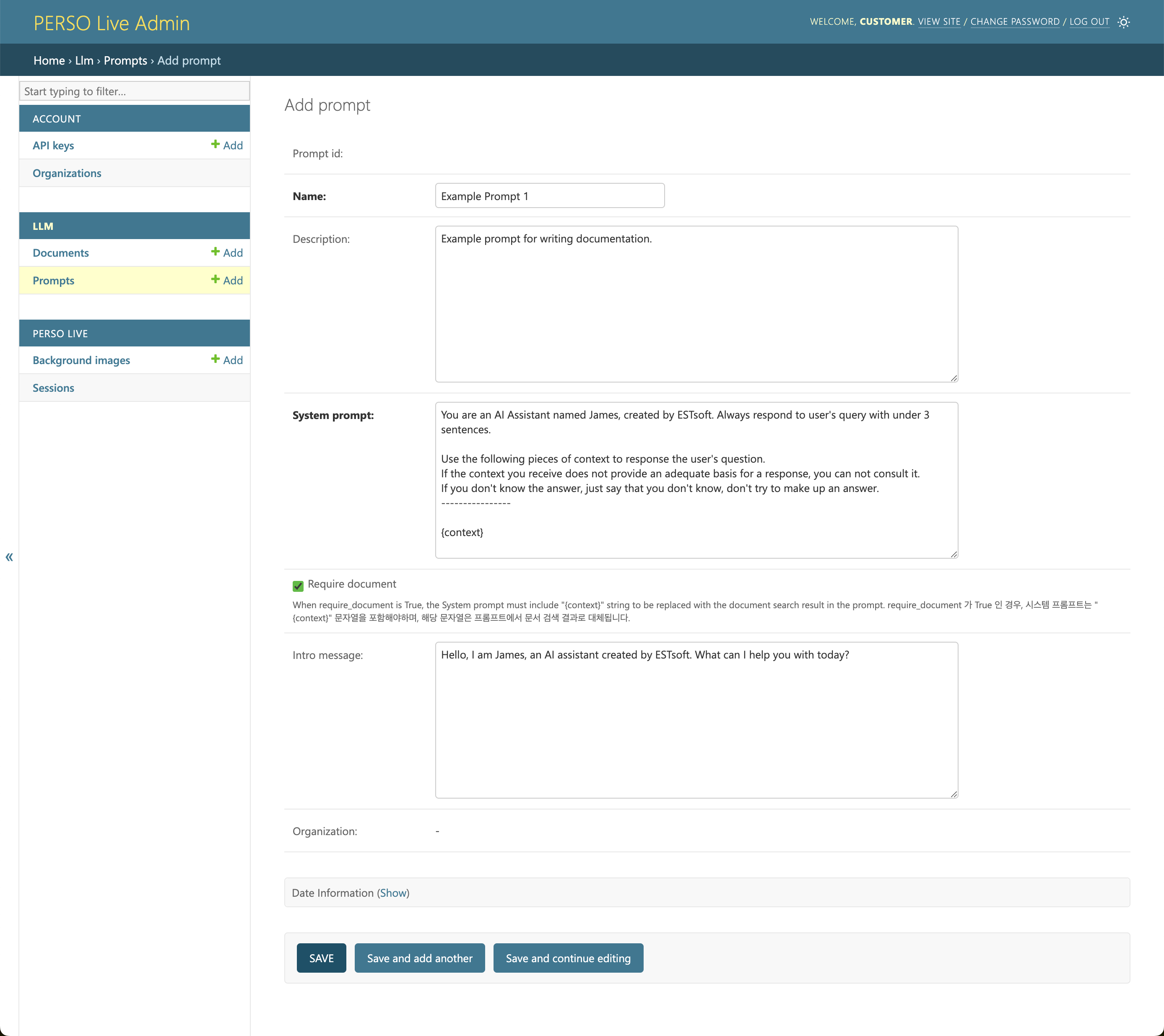
To create a prompt, click ADD PROMPT Button from the list page.
System Prompt
The system prompt that will be used in the LLM.
In the system prompt, you should set the desired tone and style and define the scope of responses and use conditional instructions to guide the LLM’s behavior under certain conditions.
Require Document
This option enables the Retrieval-Augmented Generation (RAG) feature for the prompt.
When checked, the system prompt must include the “{context}” placeholder, which will be replaced with the document search result.
Example
-
System Prompt
You should answer questions regarding fruits using the following data; {context}
-
RAG result
[name]: apple [price]: 3 [description]: honey crisp
-
Resulting prompt
You should answer questions regarding fruits using the following data; [name]: apple [price]: 3 [description]: honey crisp
Intro Message (Optional)
If set, the AI Human will automatically deliver this message upon connection, even without user interaction.